 Digits
 Puzzle
 Bench
Bench Pilot
Pilot Zeni
Zeni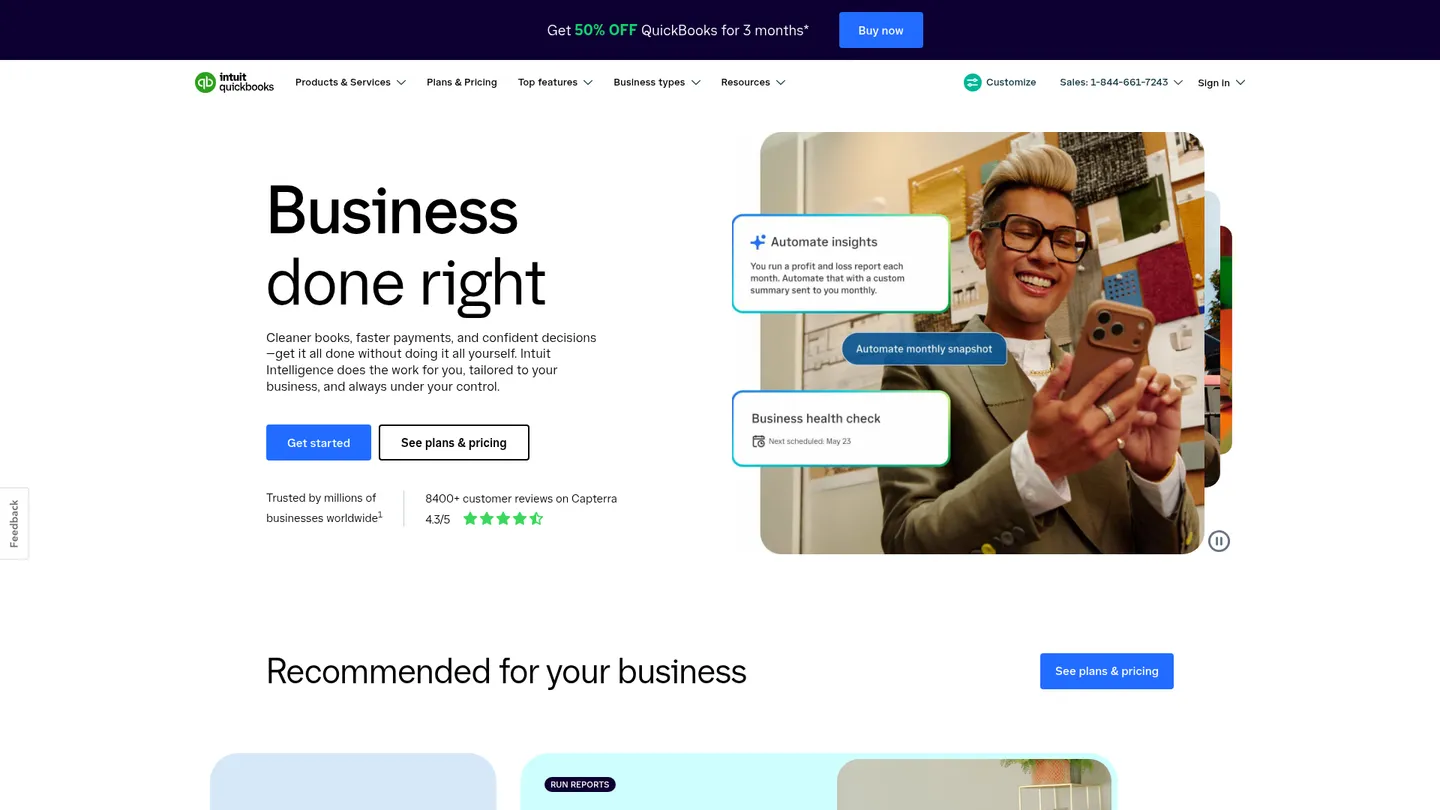
What is QuickBooks?
QuickBooks is Intuit’s accounting and payroll product family for bookkeeping, invoicing, sales tax, contractor reporting, and payroll. Parent company Intuit was founded in 1983 and is headquartered in Mountain View, California.
QuickBooks Online is cloud accounting software that centralizes income, expenses, invoices, bills, financial reports, sales-tax tracking, and contractor records. Businesses select a subscription tier based on users and operational needs, then connect bank accounts, payment channels, commerce platforms, and other business applications. Its sales-tax tools calculate rates using location, customer exemption status, and product or service category. Users review the results and file returns through the relevant tax agency rather than treating QuickBooks as a substitute for return validation.
The product offers four accounting plans, from Simple Start through Advanced, with increasing user counts, customization, reporting, and account-management limits. Separate Workforce Payroll plans add payroll-tax calculation, filing and payment, direct deposit, 1099 e-filing, and optional time and HR tools. QuickBooks says it supports more than 800 business-app integrations, but payroll, payments, bill pay, and expert services are separate products or add-ons rather than part of the accounting trial.
QuickBooks is aimed at small businesses, growing companies, accountants, and firms managing multiple clients. Current US accounting prices run from $38 to $340 per month, while Workforce Payroll starts at $50 per month plus $7 per employee per month. A 30-day accounting trial is available, and eligible new customers may receive 50% off the monthly base price for the first three months. Payroll employee, contractor, and state tax-filing fees are excluded from that discount.
Key features
Core bookkeeping
Tracks income, expenses, accounts, transactions, and financial information in a cloud accounting workspace.
Invoicing and payments
Supports customer invoicing and connects with payment and commerce tools through its business-app ecosystem.
Automated sales tax
Calculates sales-tax rates using date, location, product or service type, and customer exemption status.
Tax liability reporting
Provides sales-tax liability reporting and tracks payment due dates for review before agency filing.
Contractor reporting
Tracks 1099 contractors and supports 1099 forms and electronic filing through relevant QuickBooks features.
Workforce payroll
Calculates, files, and pays payroll taxes and supports direct deposit, with higher plans adding time and HR tools.
Advanced controls
Advanced supports up to 25 users, unlimited chart-of-accounts entries, classes, locations, and sales channels.
QuickBooks pricing
QuickBooks Online accounting plans cost $38 per month for Simple Start, $85 for Essentials, $140 for Plus, and $340 for Advanced. Workforce Payroll starts at $50 per month plus $7 per employee per month, with Premium and Elite plans priced higher. Eligible new customers can receive 50% off the monthly base price for the first three months, excluding payroll employee, contractor, and state tax-filing fees.
| Plan | Price | What's included |
|---|---|---|
| Simple Start | $38/mo | 1 billable user, 2 accountant-firm users, 250 chart-of-accounts entries, 1 custom field per transaction, 1 connected sales channel |
| Essentials | $85/mo | 3 billable users, 2 accountant-firm users, 250 chart-of-accounts entries, 4 custom fields, 3 connected sales channels |
| Plus | $140/mo | 5 billable users, 2 accountant-firm users, 250 chart-of-accounts entries, 4 custom fields, 40 combined classes and locations, unlimited sales channels |
| Advanced | $340/mo | 25 billable users, 3 accountant-firm users, unlimited chart-of-accounts entries, classes, locations, and sales channels, 12 custom fields |
Free trial: A 30-day free trial provides full access to the selected accounting plan; payroll, payments, bill pay, and expert services are excluded.
Pros & cons
Pros
- Offers four accounting tiers with clear user and usage limits.
- Automates sales-tax calculations using location, product category, and exemption data.
- Connects with more than 800 business applications.
- Combines accounting with optional payroll, contractor, and workforce features.
Cons
- Payroll, payments, bill pay, and expert services are priced separately from accounting.
- Users must review and file sales-tax returns with the tax agency rather than relying on QuickBooks as the filing authority.
- Monthly pricing rises sharply from Simple Start to Advanced.
- Plan limits restrict users, custom fields, accounts, channels, and other features.
Who is QuickBooks best for?
- Small businesses that need bookkeeping, invoicing, and sales-tax tracking in one subscription.
- Growing companies that need more users, classes, locations, or sales channels than entry-level plans allow.
- Businesses using Shopify, Amazon Seller Central, eBay, Etsy, or other supported commerce channels.
- Accountants and firms supporting clients on a widely used cloud accounting platform.
Coverage
Integrations
Frequently asked questions
How much does QuickBooks Online cost?
+
Current US accounting prices are $38 per month for Simple Start, $85 for Essentials, $140 for Plus, and $340 for Advanced. Workforce Payroll is separate and starts at $50 per month plus $7 per employee per month.
How long is the QuickBooks free trial?
+
QuickBooks Online offers a 30-day free trial for the selected accounting plan. The trial excludes optional payroll, payments, bill pay, and Intuit Expert Services.
How does QuickBooks compare with other accounting software?
+
QuickBooks offers four current US accounting tiers, automated sales-tax calculations, 1099 support, and more than 800 business-app connections. The best choice depends on plan limits, sales-tax workflows, payroll needs, and the applications a business already uses.
What integrations does QuickBooks support?
+
QuickBooks says it integrates with more than 800 popular business applications. Named connections include PayPal, Square, Shopify, Amazon Seller Central, eBay, Etsy, Gusto, and QuickBooks Time.
Who is QuickBooks best for?
+
QuickBooks is designed for small businesses, growing companies, accountants, and firms managing client books. It fits organizations that need bookkeeping plus optional sales-tax, contractor, payroll, or workforce features.
Is QuickBooks accurate and secure for tax work?
+
QuickBooks automates sales-tax calculations using location, date, product or service type, and customer exemption status, and provides liability reporting and due-date tracking. Users still need to review results and file with the relevant tax agency.
Sources
Facts and pricing verified on October 19, 2026. Vendors change pricing often, so confirm with QuickBooks before buying. How we research